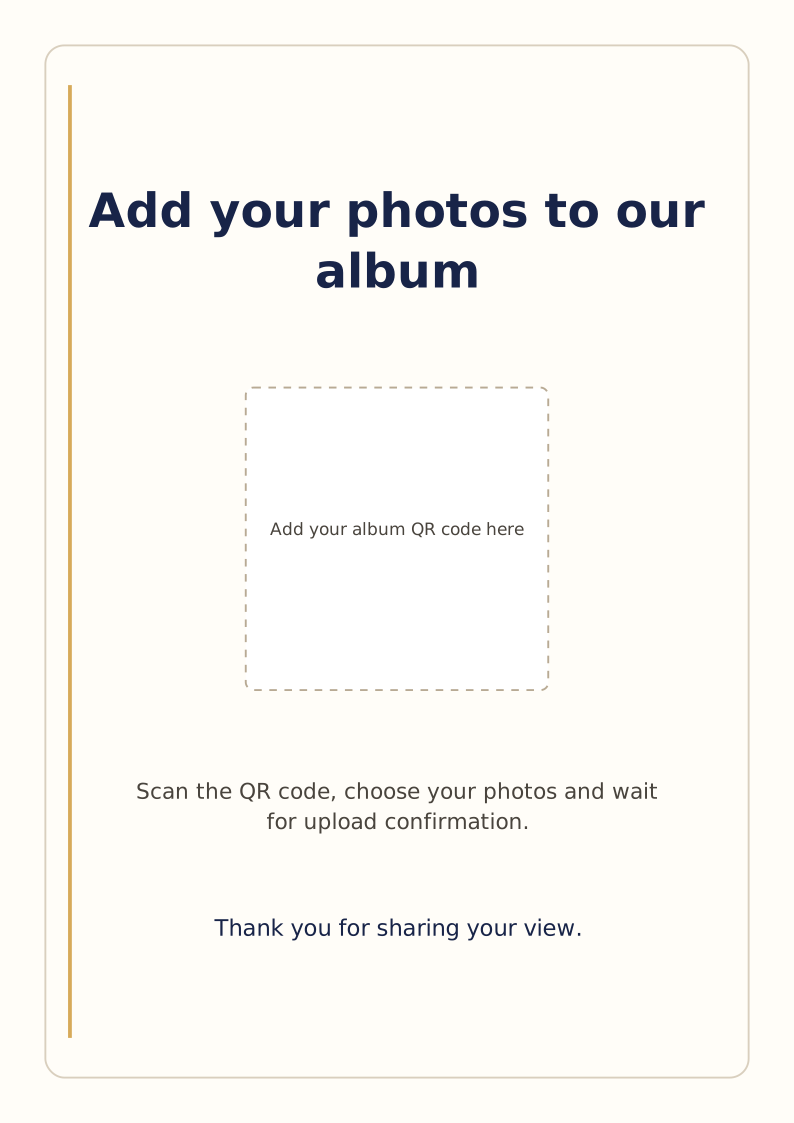
Give your photo QR code a clear invitation.
A QR code tells the phone where to go. A short sentence tells your guests why they should scan it.
Use the editable sign as a starting point, then add the real QR code from your album. The download has an empty placeholder; it will not open an album until you replace that placeholder.
Start with your actual album QR code
Create your album and get its QR code from management. Test the guest flow in a separate rehearsal album before printing the real event signs. A test photo in the event album starts its hosting countdown.
Every album comes with a sharing link and a downloadable QR code image. A printable A4 QR poster is included from Mini upwards. The editable sign on this page is a generic resource you customise yourself; it does not unlock paid Print Studio templates or additional album features.
Make the sign your own
Download the SVG and open it in an editor that supports that format. Change the invitation if you wish, replace the empty placeholder with your album QR code and export the finished sign for printing.
Keep the full code intact. For an encrypted album, use the generated album QR code so the required key is preserved. Do not shorten or rebuild the destination by hand.
- Use a dark QR code on a plain white background.
- Keep a clear white margin around the code; do not place text or artwork against its edge.
- Print a sample and scan it at the intended size before making the full set.
Wording you can use
Sign title: “Add your photos to our album.”
Instructions: “Scan the QR code, choose your photos and wait for upload confirmation.”
For a wedding: “Caught a moment we missed? Add a few photos to our wedding album.”
Place it where guests have a moment
Try a table, the bar or a photo corner. A flat, well-lit sign is easier to scan than one behind reflective glass, across a fold or on a busy patterned surface.
Keep the invitation and code together. Include the album link in a message as well, so guests can open it without scanning the printed sign.
One clear reminder helps people understand the request
A host or MC can say: “If you took a few photos today, scan the code on your table and add the ones you’d like to share. Please wait for upload confirmation.”
These are sample words for you to use; FotoDrop does not send an automatic reminder. Check the album’s remaining space and expiry date before asking for more uploads.
Print, scan and check the upload
FotoDrop supplies digital files. You or a print shop print the finished sign. Choose the size you need, then test it with a phone at the distance guests will use.
A successful scan is only the first check. In your rehearsal album, choose a photo, wait for completion and make sure the photo appears. Uploading still needs a working connection.
Your Free album holds up to 100 photos in total and stays available for 14 days from its first successful upload. No payment card needed. Videos are not included.